
Merge Move
 Copy
 Convert
 Basics
 Basics
 Organize
 Archive
 Compare
How to merge two Microsoft Teams channels: a step-by-step guide
Microsoft Teams has no merge button. Here’s how to combine two channels – messages, files and tabs – into one.MoveHow to move a Teams channel to another team
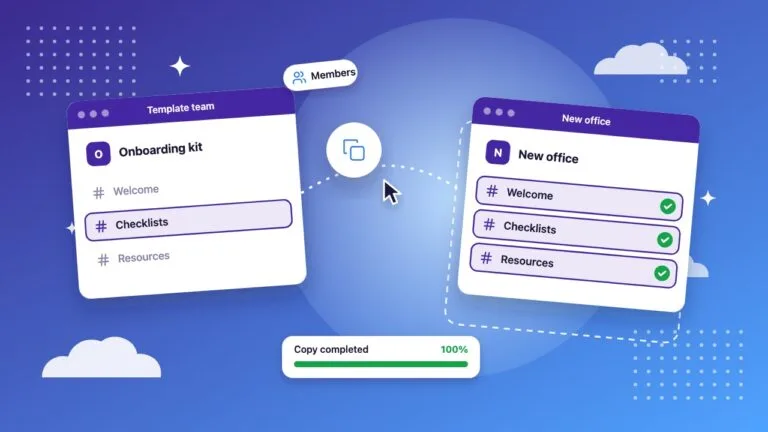
Teams can't move a channel to another team natively. What you can move by hand, and how to move the whole channel with its history.CopyHow to copy a Teams channel to another team
Reuse a channel and its content in another team, without touching the original.ConvertHow to convert a public channel to private in Microsoft Teams
Teams can’t change a channel’s type after creation. Here’s the workaround, and how Team Master automates it.BasicsStandard, private and shared channels in Microsoft Teams: what’s the difference?
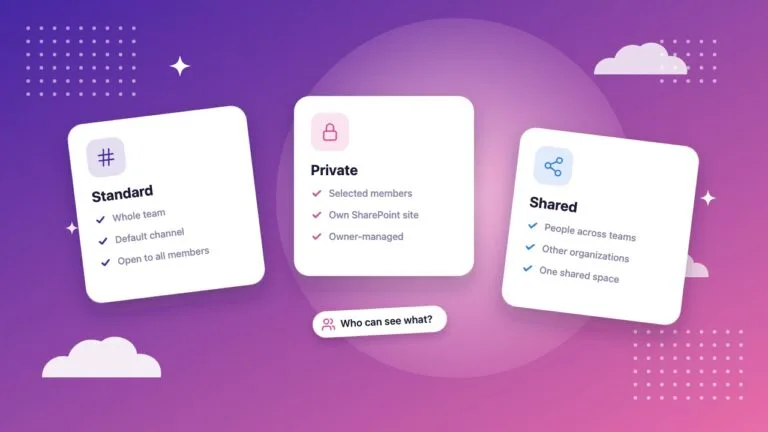
Who can see what, how membership works and when to use each channel type.BasicsHow to use Microsoft Teams channels effectively
Channel types, posting habits and announcements that make channels work for everyone.OrganizeHow to organize Microsoft Teams channels: tips and tools
Naming conventions, structure and clean-up habits that keep Microsoft Teams easy to navigate.ArchiveHow to archive Microsoft Teams channels
What archiving does in Teams, how it differs from deleting, and how to keep old channels out of the way.CompareMicrosoft Teams migration tool: move tenants or reorganize channels?
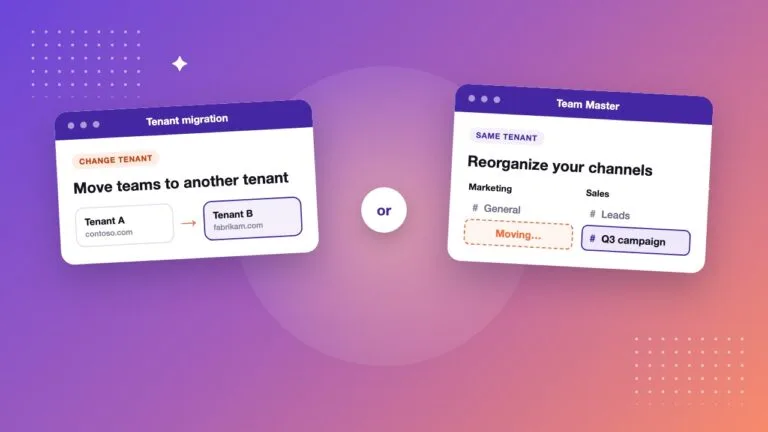
Two jobs hide behind "Teams migration": changing tenant, or reorganizing channels in your own. Which tool fits which, with ShareGate and Team Master compared.