
In the fast-paced world of modern business, effective communication and seamless collaboration among team members have become paramount. Microsoft Teams, a leading platform in the realm of digital collaboration, offers a powerful solution to facilitate these essential aspects of teamwork. A cornerstone of Teams’ organization is its versatile channel system. In this article, we will explore the differences between standard, private, and shared channels, and how leveraging the right channel type can significantly impact team dynamics and project outcomes.
Standard Channels: The Hub for Teamwide Interaction
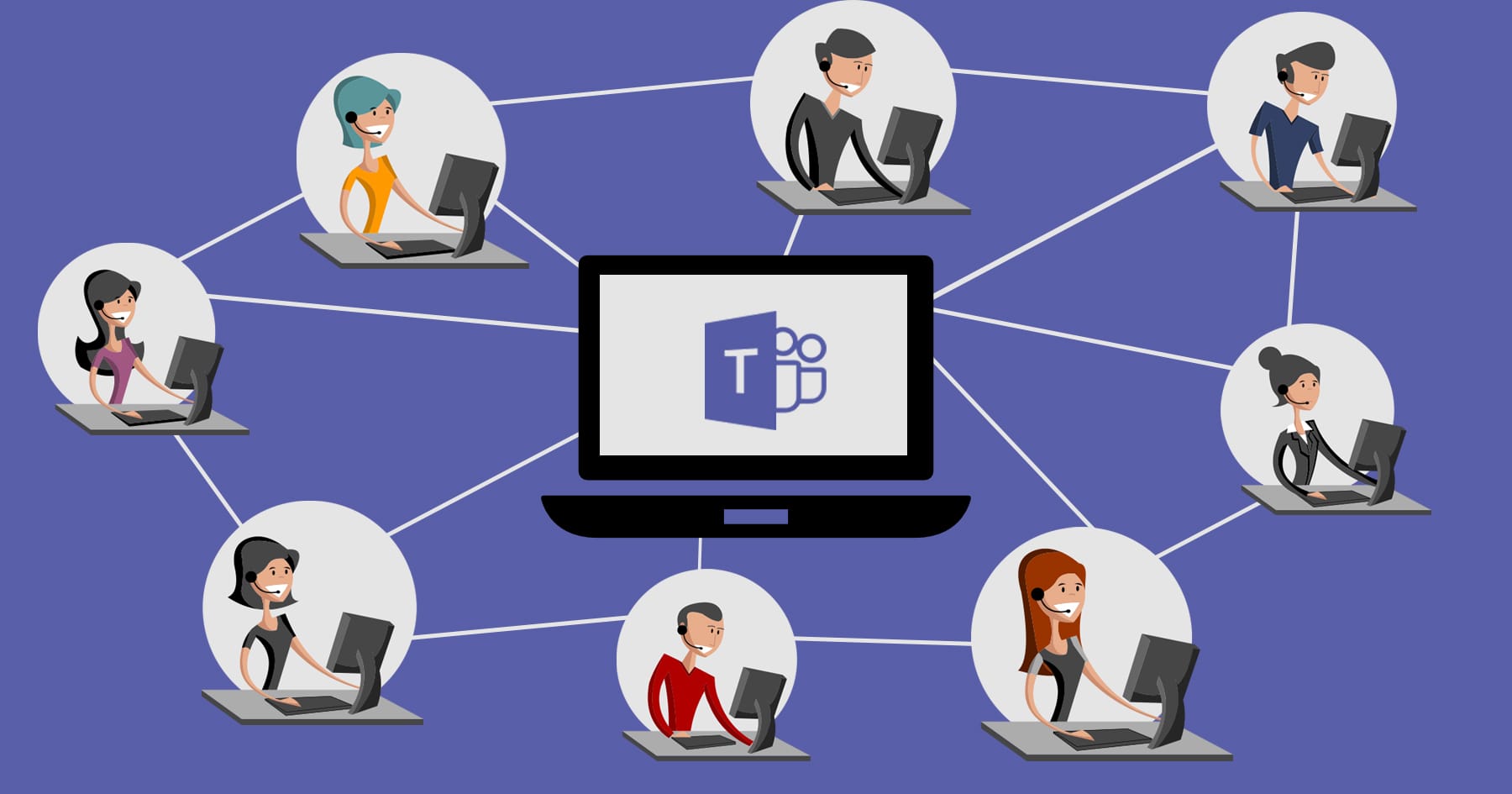
At the heart of Microsoft Teams lies the standard channels, fundamental conduits that lay the groundwork for seamless collaboration within a team. These channels serve as the central hub for discussions, file sharing, and information dissemination, facilitating open communication among all team members.
Understanding Standard Channels
In Teams, standard channels are the default channels created when a new team is formed. They come pre-equipped with essential features that cater to a wide array of team interactions. By default, all team members have access to these channels, making them visible to everyone, encouraging inclusive participation, and enabling easy knowledge sharing.
Key Features of Standard Channels
The strength of standard channels lies in their simplicity and accessibility. Team members can post messages, share files, and collaborate in real-time without any barriers. Additionally, standard channels support threaded conversations, ensuring that discussions remain organized and easy to follow.
Advantages of Standard Channels
The use of standard channels offers numerous advantages for team collaboration. For instance, team-wide announcements can be disseminated efficiently through these channels, ensuring that important updates reach all members promptly. Standard channels foster a sense of unity within the team, encouraging everyone to stay informed and engaged in discussions that shape the team’s progress.
Limitations of Standard Channels
While standard channels excel in fostering openness and inclusivity, they may not be the ideal choice for sensitive or confidential discussions. As all team members have access to these channels, discussing highly private matters may be inappropriate. Moreover, standard channels lack the granularity of permissions, limiting the control over who can post and access content.
Private Channels: Fortifying Confidentiality within Teams

In Microsoft Teams, private channels offer a secure and restricted space within a team, where sensitive information can be shared among a select subgroup of members. Let’s explore the distinctive features of private channels, along with the compelling reasons for their usage:
Defining Private Channels
Private channels in Teams serve as secluded areas within a team where designated members can engage in confidential discussions without the entire team’s visibility. These channels are ideal for handling proprietary information, sensitive project details, or any matter that demands an extra layer of confidentiality.
Advantages of Private Channels
- Confidentiality Assurance: Private channels provide a safe haven for discussing sensitive topics, reducing the risk of unintentional data exposure.
- Targeted Collaboration: By limiting access to specific team members, private channels facilitate focused discussions and decision-making within smaller groups.
- Customized Permissions: Team owners have the flexibility to fine-tune access permissions, granting different levels of visibility and control to individual members.
Access and Permission Control
Team owners and members with appropriate permissions can create private channels and assign access rights. When a private channel is established, only those explicitly added to the channel can participate in discussions and access shared files. This control over permissions ensures that confidential information remains accessible only to those with a legitimate need to know.
Limitations of Private Channels
- Limited Membership: A private channel can hold a maximum of 250 members, whereas a team can contain 25000. As a result, larger teams may need to carefully manage participation to avoid exceeding the maximum capacity.
- Complexity in Channel Management: Introducing numerous private channels might lead to administrative challenges, necessitating vigilant oversight to avoid duplication or disorganization.
- Need to convert an existing channel? Learn how to convert public channels to private in Microsoft Teams without losing data or disrupting team workflows.
Shared Channels: Bridging Boundaries for Enhanced Collaboration

In Microsoft Teams, shared channels break down barriers by bridging communication and collaboration across diverse teams or even external partners. Let’s delve into the essence of shared channels, exploring how they facilitate cross-functional teamwork and maximize the exchange of information:
Embracing Shared Channels
Shared channels represent a revolutionary concept within Teams, enabling seamless communication between multiple teams, departments, or organizations. These channels serve as shared workspaces, creating a unified environment where information and ideas flow freely.
Fostering Collaboration across Teams
Shared channels play a pivotal role in fostering collaboration beyond traditional team boundaries. When two or more teams work jointly on a project or share interdependent tasks, shared channels provide a central platform for members to collaborate, share updates, and address challenges collectively.
Benefits of a Common Information Space
- Streamlined Communication: Shared channels eliminate the need for constant switching between different team spaces, streamlining communication and ensuring that everyone stays on the same page.
- Enhanced Connectivity: Sharing a channel with external partners or clients fosters stronger relationships and facilitates real-time collaboration, making it easier to exchange information.
- Improved Productivity: The consolidation of relevant discussions and files into shared channels eliminates redundancy and enhances productivity by allowing easy access to pertinent information.
Permission Management and Privacy Considerations
While shared channels encourage open collaboration, it’s essential to establish appropriate permission levels to maintain privacy and security. Team owners must carefully define access rights to strike a balance between inclusivity and the confidentiality of sensitive information.
Comparison of the Three Channel Types
To better understand the differences, let’s compare the three channel types in a concise manner:
| Channel Type | Visibility | Purpose | Limitations |
| Standard | All members | General discussions | Less privacy and control over access |
| Private | Select members | Confidential discussions | Limited number of participants |
| Shared | Multiple teams | Cross-functional projects | Complex permissions and privacy concerns |
Best Practices for Utilizing Channels in Teams
To make the most of Microsoft Teams channels, consider the following best practices:
- Define channel purposes clearly: Set guidelines for each channel type to prevent redundancy and confusion.
- Use Standard Channels for general topics: Keep team-wide discussions and updates in Standard Channels to maintain transparency.
- Reserve Private Channels for confidential matters: Utilize Private Channels sparingly, ensuring only relevant team members have access.
- Embrace Shared Channels for collaboration: Encourage cross-functional teamwork through Shared Channels, ensuring proper permission management.
Conclusion: Empowering Collaboration with Teams Channels
In the realm of digital collaboration, Teams channels serve as a gateway to more effective teamwork, streamlined communication, and heightened productivity. By grasping the nuances between standard, private, and shared channels, Teams users can harness the platform’s full potential to connect, innovate, and achieve extraordinary outcomes together.
Ready to manage all channel types efficiently? Team Master simplifies moving, copying, and organizing standard, private, and shared channels. See our pricing plans starting at $399 or schedule a demo to test it in our environment.
