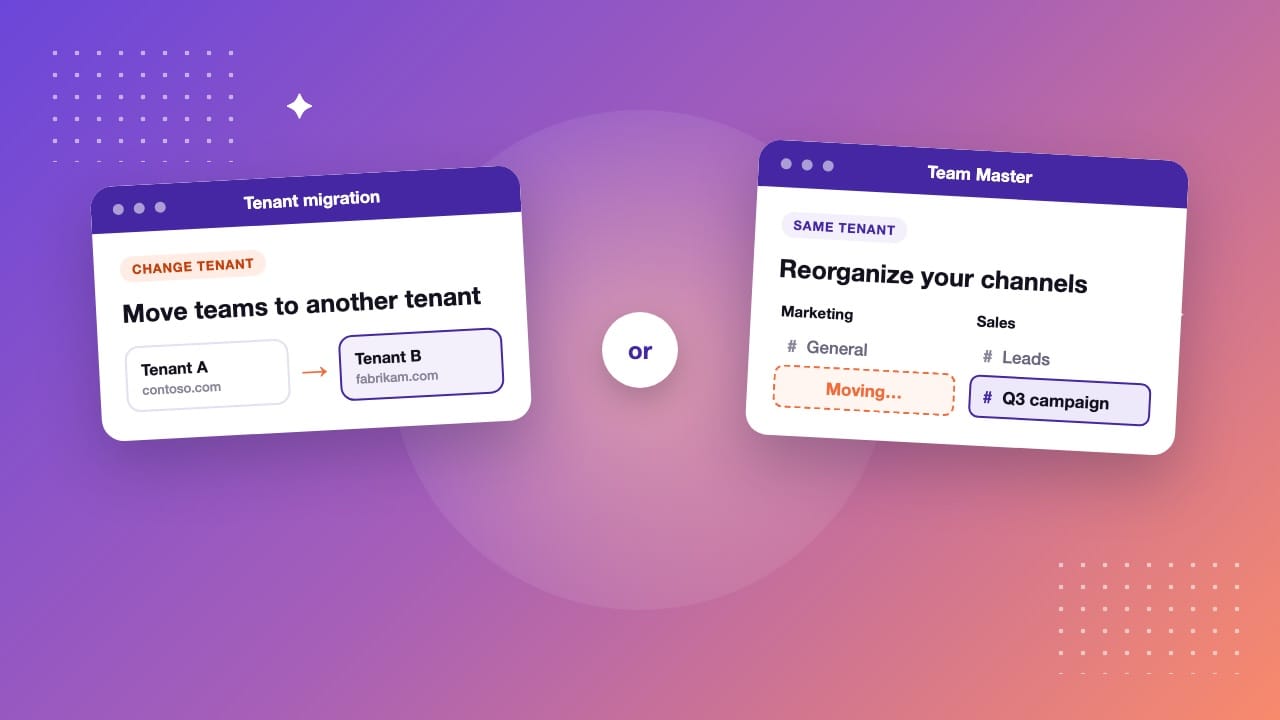
“Microsoft Teams migration tool” covers two different jobs: moving Teams to another Microsoft 365 tenant, and reorganizing channels inside your own tenant. The right tool depends on which of the two you have.
Tools like ShareGate are built first for tenant migrations. Team Master is built for the second job: moving, merging, copying and converting channels between the teams you already have. Below: how to tell the two jobs apart, and what each tool does.
Two jobs that are both called “Teams migration”
Migrating Teams to another tenant
A merger, an acquisition or a divestiture moves people from one Microsoft 365 tenant to another. Whole teams have to follow, usually together with mailboxes, OneDrive and SharePoint. This is a project with a start and an end, and it is what most “Teams migration tools” were designed for.
Reorganizing channels inside your tenant
Here nobody changes tenant. A channel sits in the wrong team, two channels cover the same subject, a team was split, or a channel should become private. Microsoft Teams can’t do any of this on its own: it has no command to move a channel to another team, to merge two channels or to change a channel’s type. This is day-to-day administration, and it comes back every time the organization changes.
Which tool for which job
| What you need | ShareGate | Team Master |
|---|---|---|
| Migrate teams to another tenant | Yes | Not yet (on the roadmap) |
| Move or copy a channel to another team in the same tenant | Yes, standard and private channels. Shared channels are not supported | Yes, standard, private and shared channels |
| Channel conversations | All copied: the 50 most recent in the Posts tab, older ones in a separate Message history tab | The channel’s history, each message labeled with its original author and date |
| Merge two channels into one | Not described in their documentation: channels are copied into the team as separate channels | Yes |
| Change a channel’s type | Not described in their documentation | Yes, between standard, private and shared |
| How you buy it | Annual license, priced by number of Microsoft 365 users | 3-month or annual plan at a fixed price |
ShareGate information comes from its public documentation, read in November 2026: Copy teams limitations, Copy team channels walkthrough and Microsoft Teams migration. Check their site for the current details.
When a tenant migration tool is the right choice
If your teams must land in another tenant, choose a tenant migration tool. Tools such as ShareGate or BitTitan MigrationWiz move whole teams with their channels and files, and they also cover the other workloads of the project, like mailboxes and SharePoint sites. Team Master does not migrate between tenants today.
These tools can also work inside a single tenant. Check two points before you use them for a channel reorganization: how the conversation history arrives in the destination, and whether your channel types are covered. ShareGate’s documentation, for example, states that shared channels are not supported.
When you only need to reorganize channels
If everything stays in your tenant, you don’t need a migration project. You need to act on channels, one at a time or in bulk. That is what Team Master does:
- Move. Send a channel to another team with its messages, files, tabs and members. See how to move a Teams channel to another team.
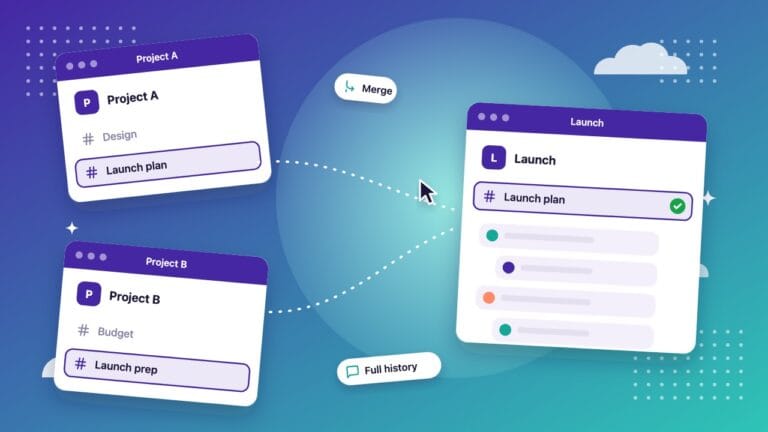
- Merge. Combine two channels that cover the same subject. See how to merge two Teams channels.
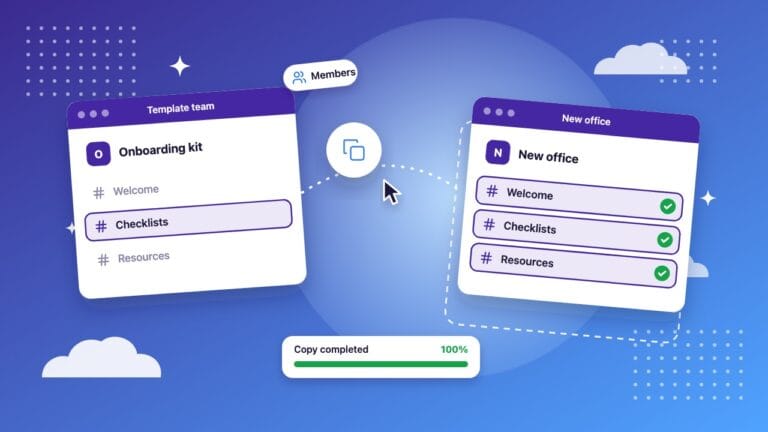
- Copy. Keep the original and give a second team the same channel. See how to copy a channel to another team.
- Convert. Change a channel between standard, private and shared. See how to convert a public channel to private.
Team Master is a web app. It works through the Microsoft Graph API, so there is nothing to install in Teams, and it does not store the content of your channels. A typical channel takes about 5 to 10 minutes.
Want to see it on a real channel? Book a demo: we give you access to our demo environment for a few days, or walk you through Team Master on a call.
How to choose in three questions
- Does the content change tenant? If yes, you need a tenant migration tool. If no, keep reading.
- Is it a one-time project or a recurring need? Channels in the wrong place come back with every reorganization. A tool made for channel operations fits a recurring need better than a migration project.
- Which channels are involved, and how much history must stay readable? Check that the tool covers private and shared channels if you use them, and look at how old conversations appear after the move.
Frequently asked questions
What is the best Microsoft Teams migration tool?
It depends on the job. To move teams to another Microsoft 365 tenant, use a tenant migration tool such as ShareGate. To move, merge, copy or convert channels inside your own tenant, Team Master is built for that.
Does Microsoft Teams have a built-in migration tool?
Not for channels. Teams has no command to move a channel to another team, merge two channels or change a channel’s type. Only files can be moved by hand from one channel to another.
Can Team Master migrate Teams to another tenant?
Not yet. Team Master works between the teams of the same Microsoft 365 tenant. Tenant-to-tenant migration is on our roadmap.
Do I have to install anything in Teams?
No. Team Master is a web app. You sign in with your Microsoft 365 account, and a global administrator approves it once for your organization.
Does Team Master store my channel data?
No. Team Master works through the Microsoft Graph API and does not store the content of your channels. It only keeps the names of your teams and channels, to display them in its interface.
How can I try Team Master?
Book a demo. We give you access to our demo environment for a few days, or show you Team Master on a Teams or Zoom call.

The NighCloud team builds Team Master, the Microsoft Teams channel management tool for IT admins.
In this guide
Reorganize Teams in a few clicks
Team Master moves, merges, copies and converts Microsoft Teams channels – messages, files and tabs included, without scripts.
Book a demoSee pricing